Note


A non-interactive informational card. It renders a title and body inline in the form flow and collects nothing - the selection cursor skips it, it never appears in the answers, and it is absent from headless collection. Its title and body take the same {{field}} templating derived values use, so a note can reflect earlier answers, and it honours ->when() like any other field.
$p->note('intro', 'Fresh produce order')
  ->description('A read-only card - the cursor skips it.');

$p->text('item', 'Produce name')->default('Pear');

// ->border() frames the card; the body reflects the earlier answer.
$p->note('summary', 'Ready to pack')
  ->description('Packing {{item}} into the basket.')
  ->border();
Runnable script: playground/02-widgets-note.php.
Options
| Method | Effect |
|---|---|
->description(body) | The card's body text, shown beneath the title. |
->border() | Frames the card in the theme's box with minimal padding. |
The title is the second note() argument and is optional - an empty title renders the body alone. The shared field options ->when() (conditional visibility) and {{field}} templating in both the title and body still apply.
Keyboard
A note is non-interactive: the selection cursor skips over it, so it has no keys of its own.
Headless behavior
A note carries no value. It is absent from headless collection, from the answers payload, and from the machine-readable schemas (schema() and agentHelp()), so an agent is never asked to provide one.
Display modes
In all four display modes - Unicode or ASCII, color on or off:
| ANSI | No ANSI | |
| Unicode | 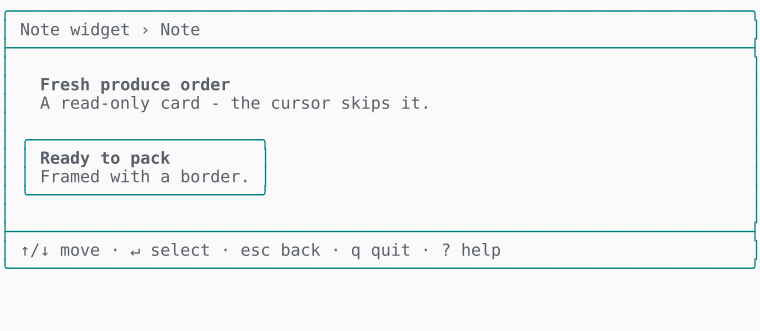 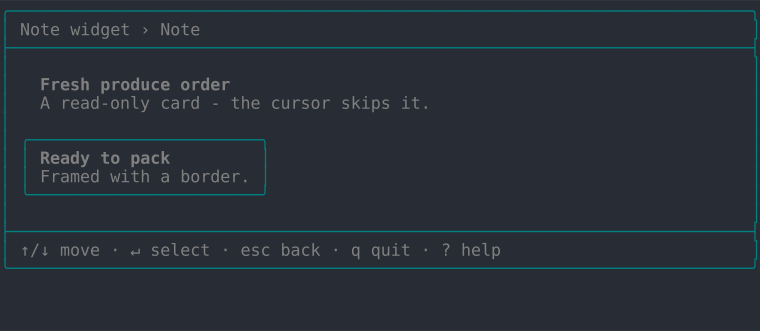 | 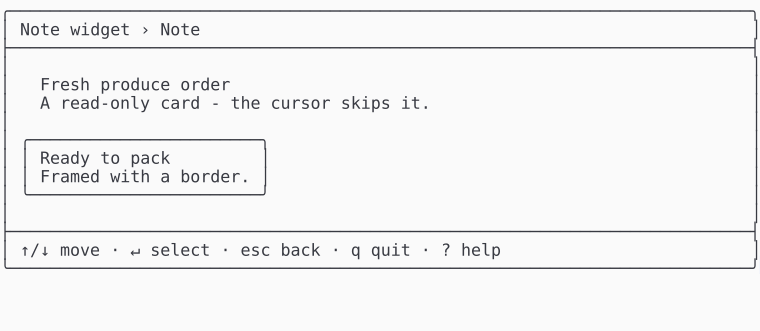 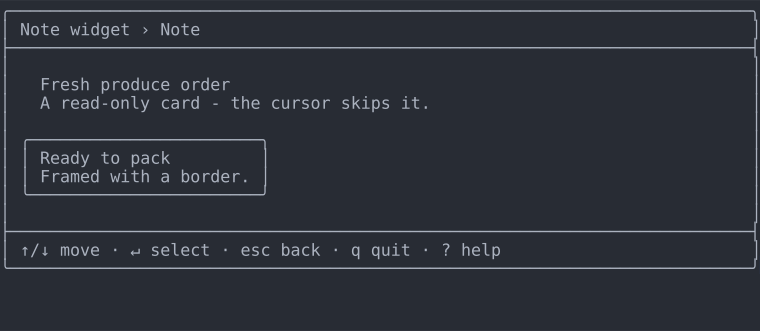 |
| ASCII | 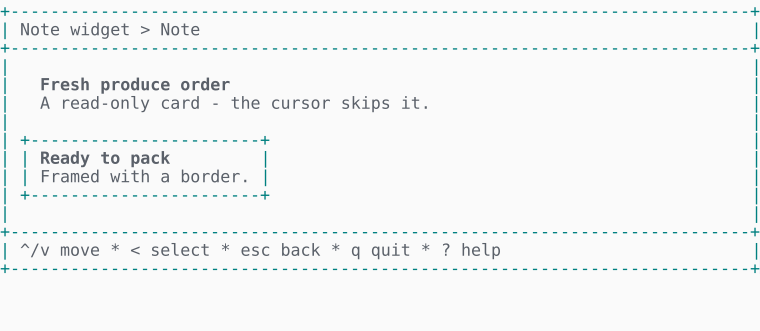 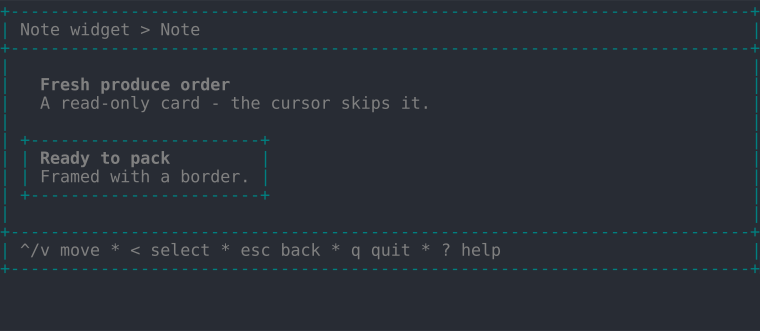 | 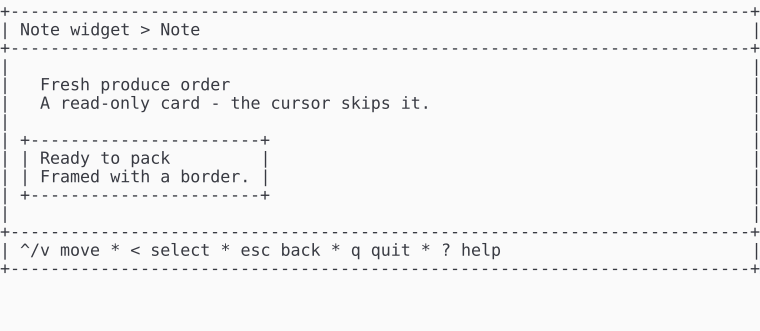 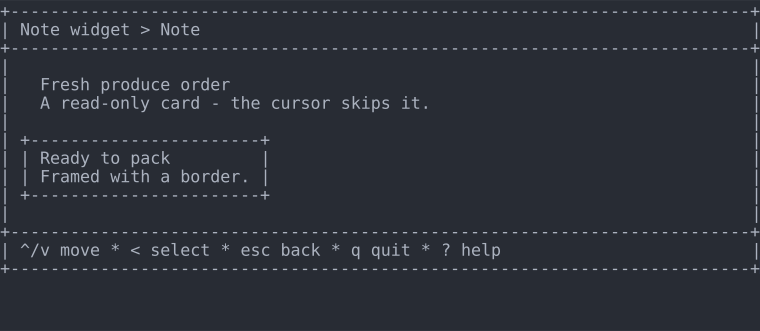 |